Free Chrome Extension · No login required

Stop clicking into one Salesforce file at a time.

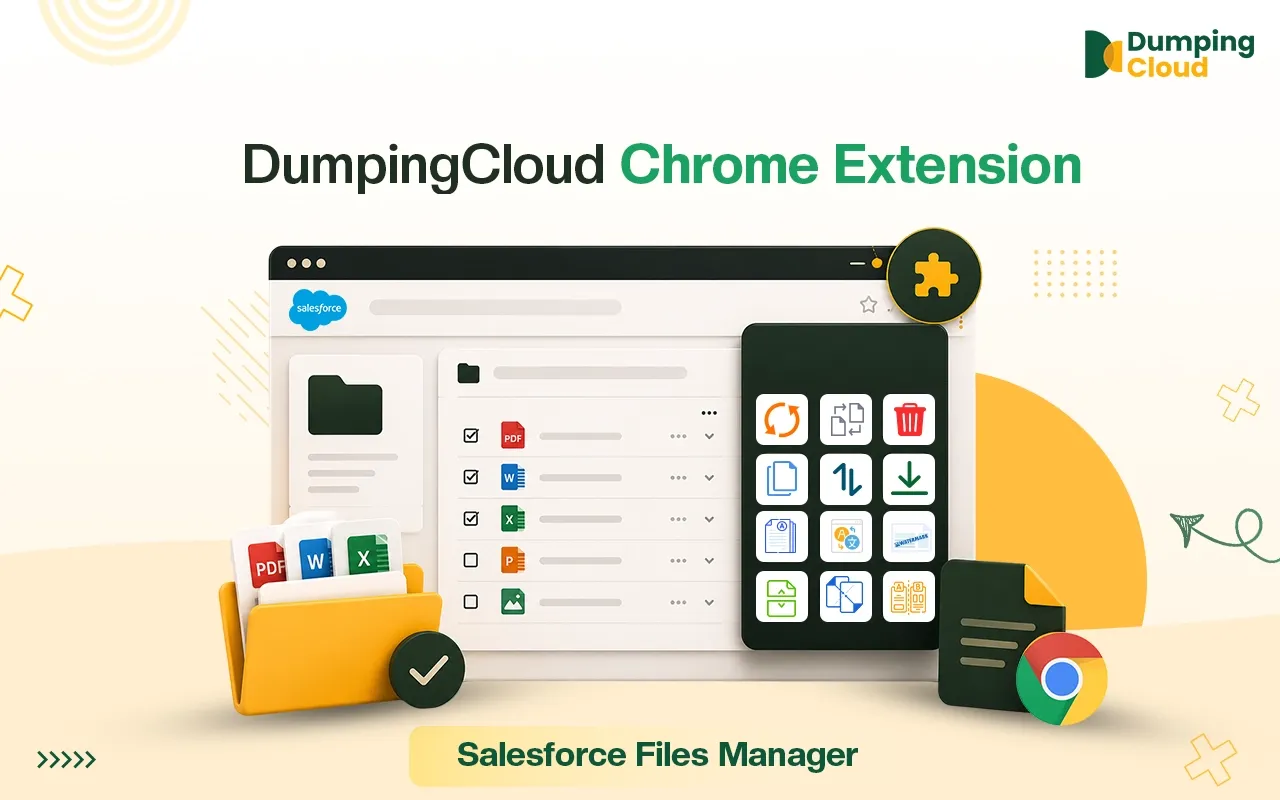
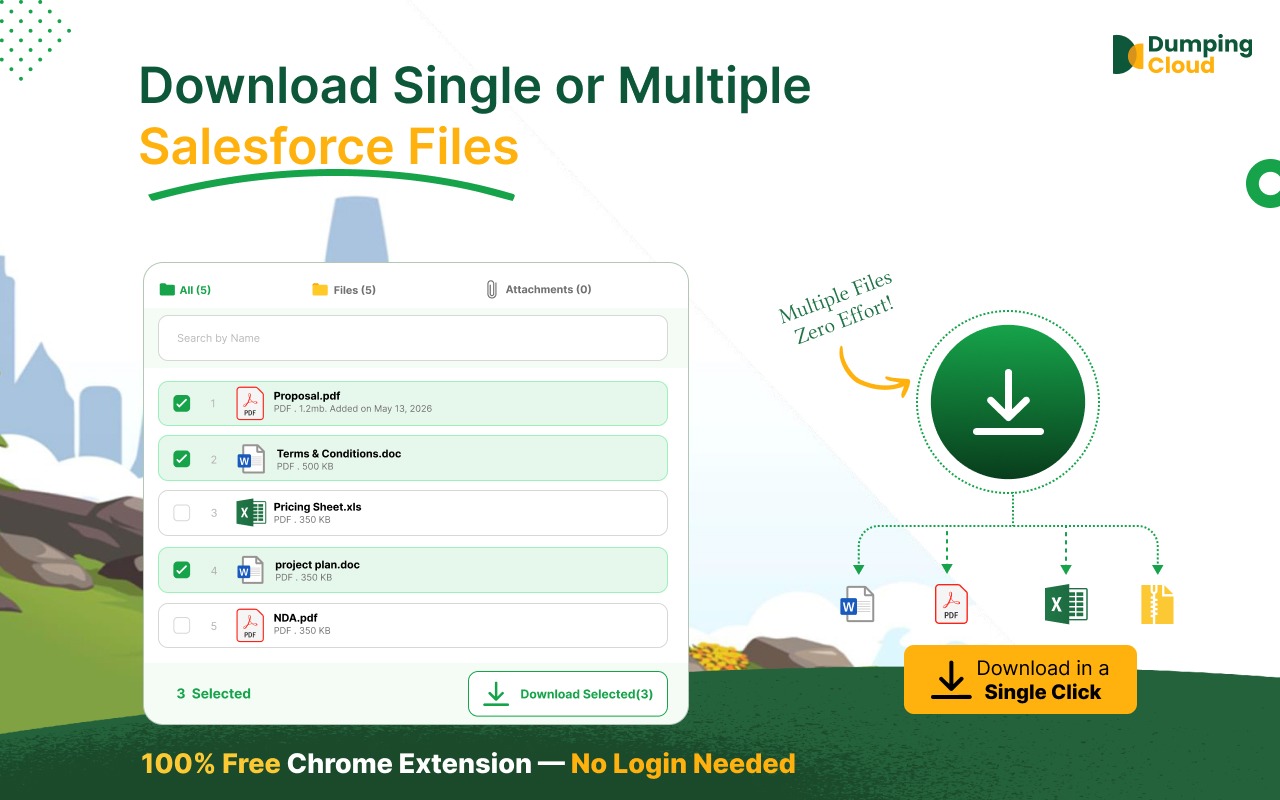
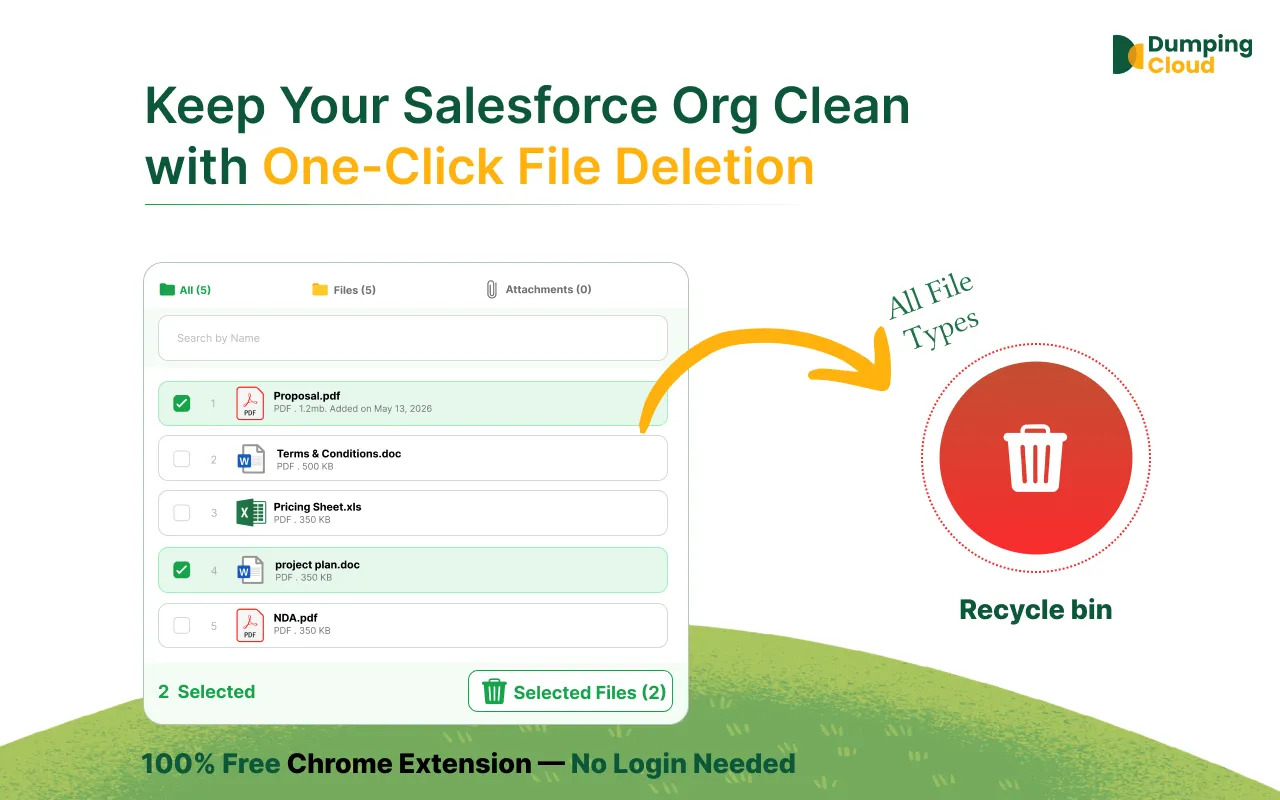
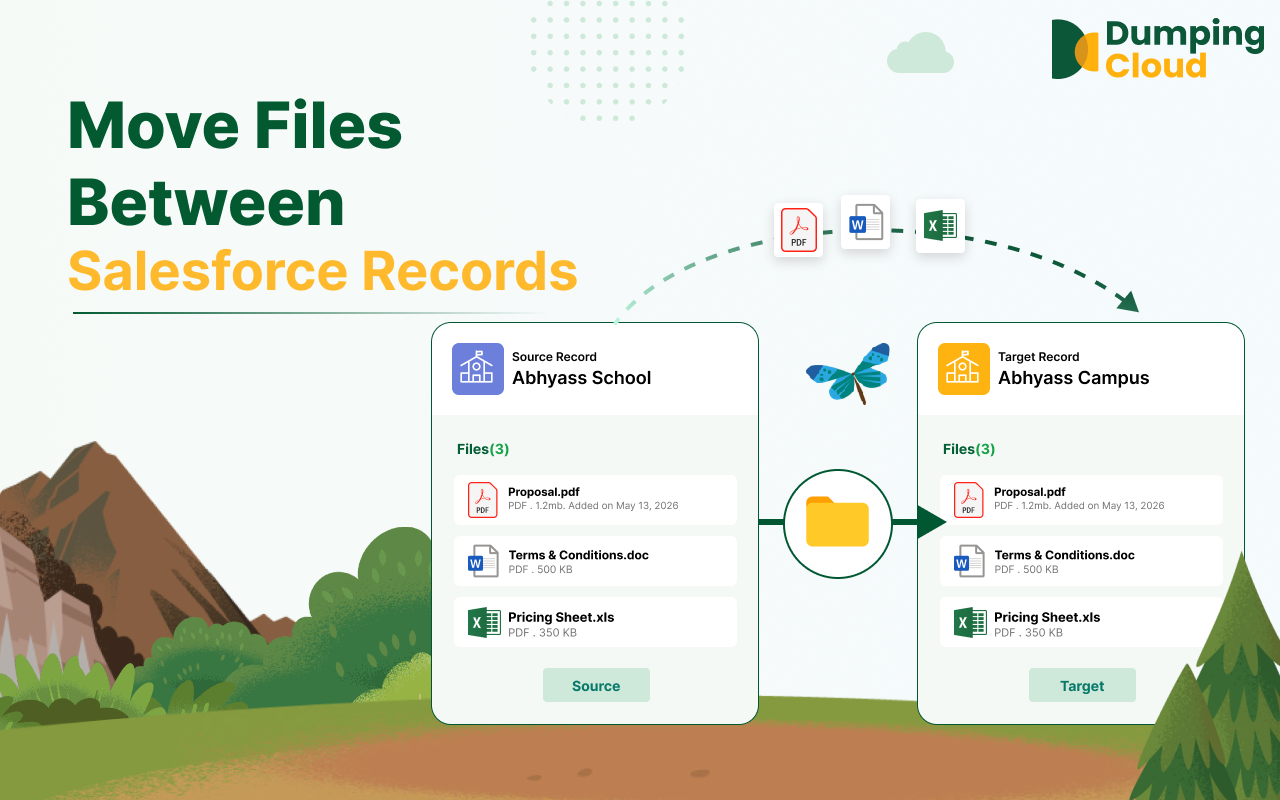
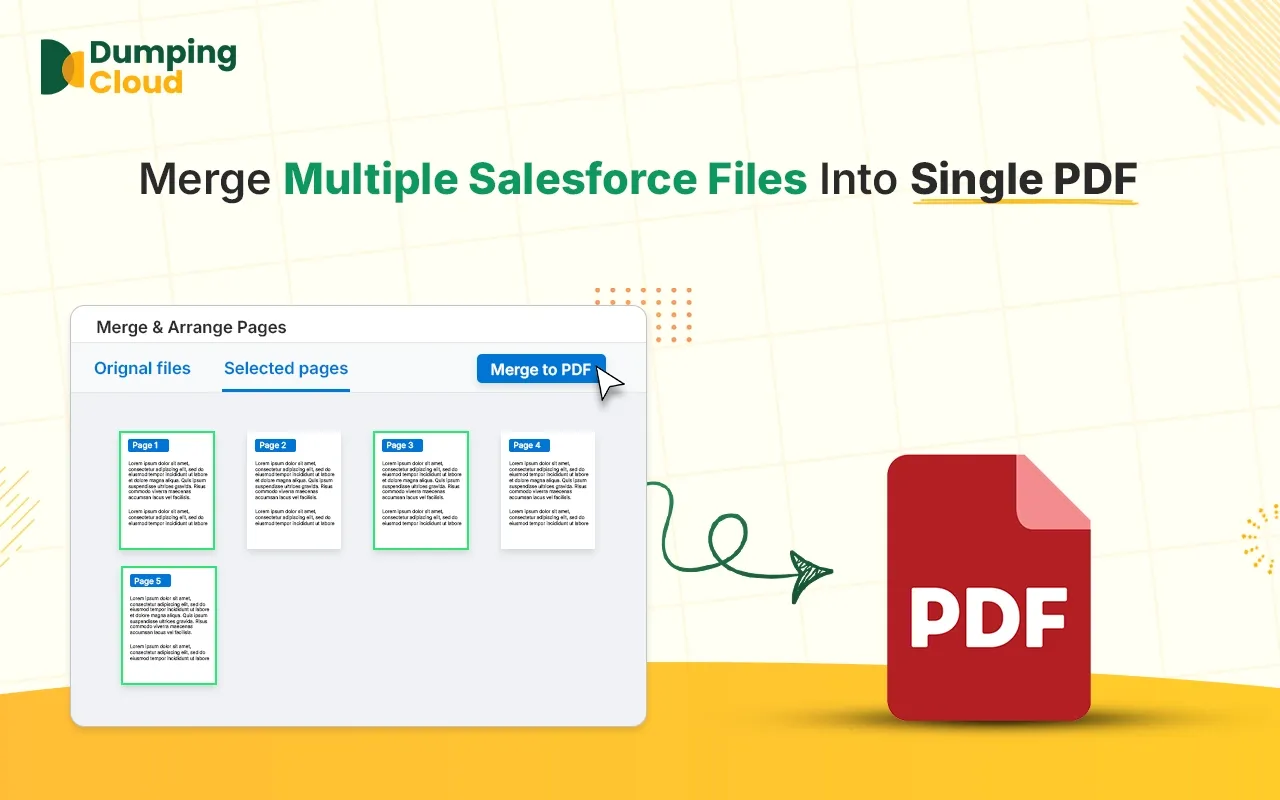
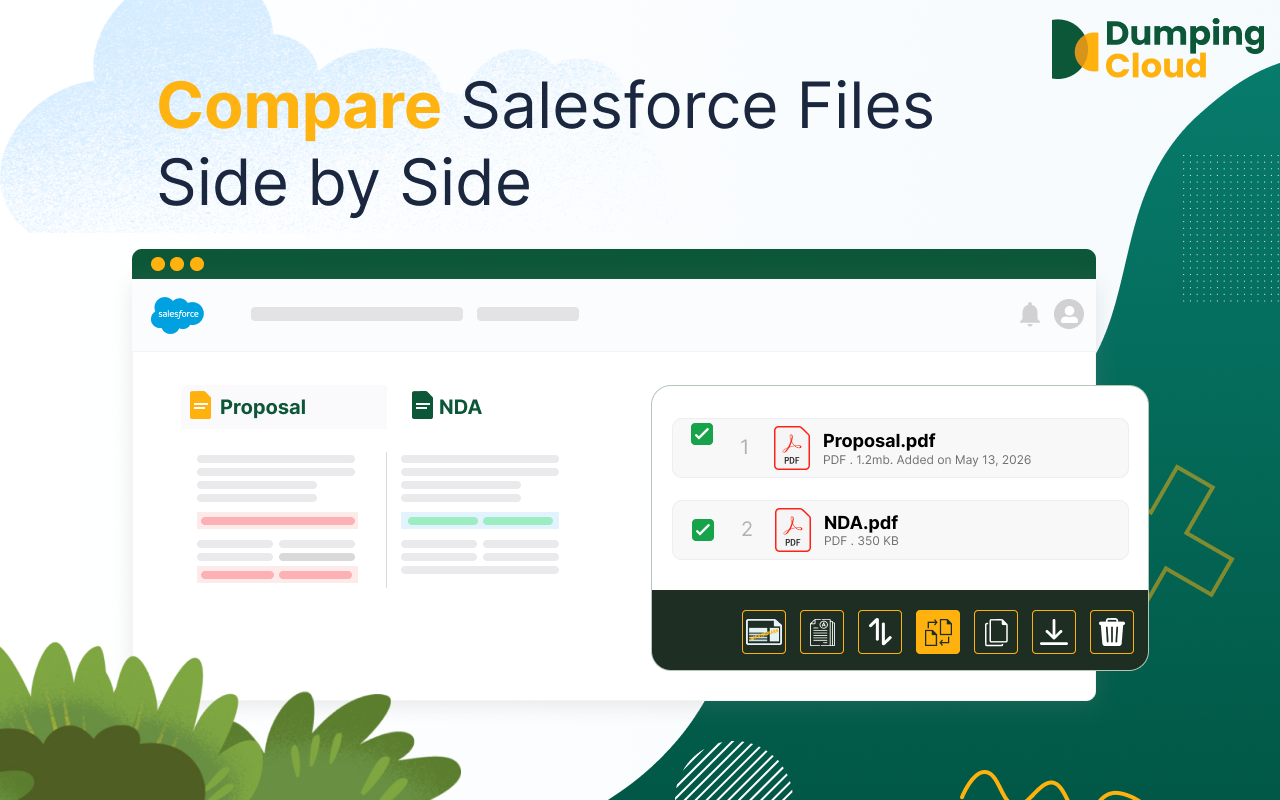
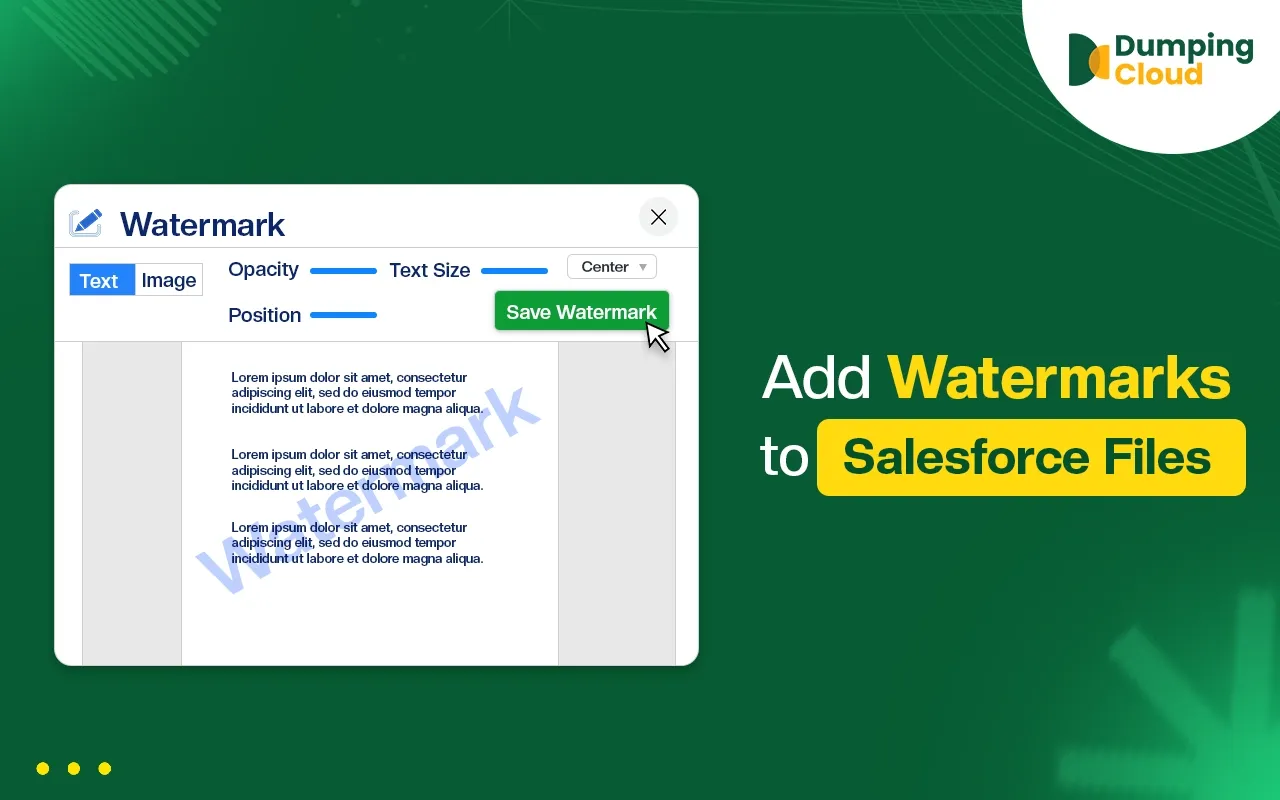
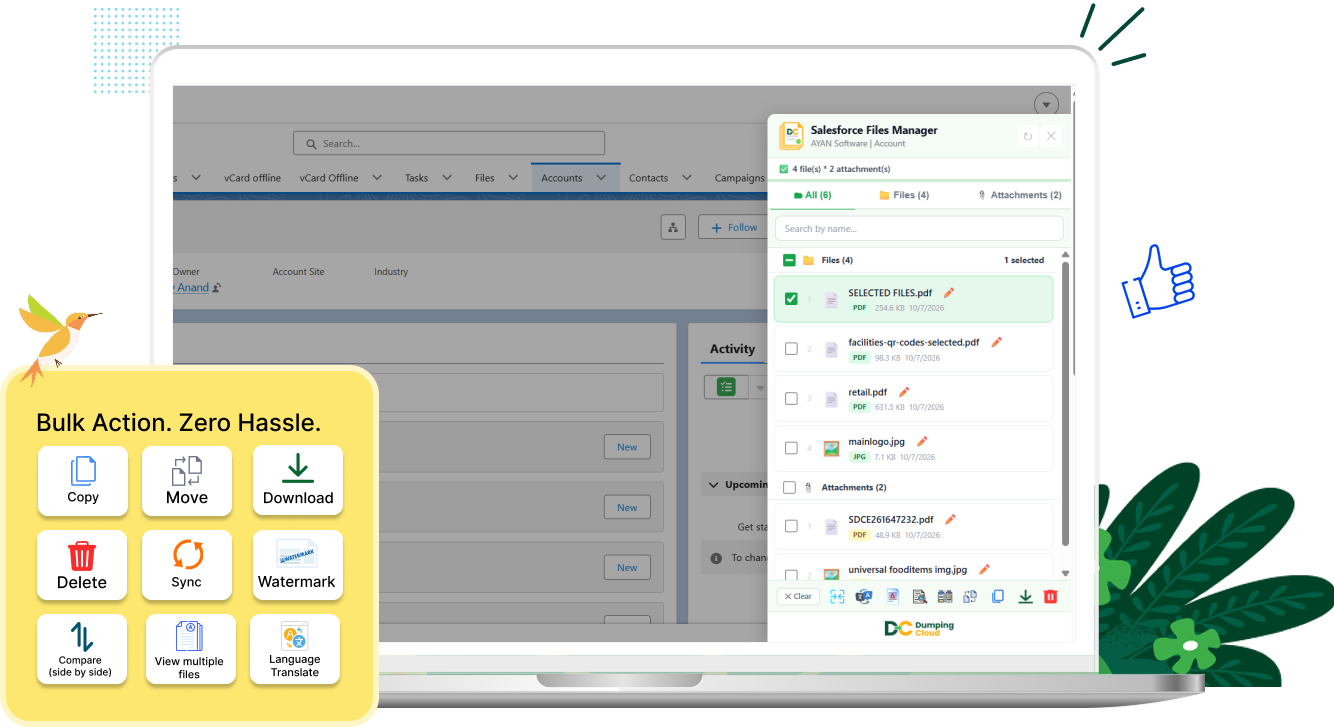
Dumping Cloud (Salesforce Files Manager) lets you download, delete, move, copy, rename, compare, and watermark files and attachments in bulk — straight from any record.

Install and it works inside your existing Salesforce org.
Free forever
Every feature, no tier
No login required
Uses your open Salesforce tab
Runs in your browser
Nothing sent to a server
Works on any Salesforce object

File operations,
done in bulk

very operation below runs directly on the record you're already viewing. Select files, pick an action, done.

Bulk actions. Save Time. Stay productive.

Salesforce's file related list wasn't built for bulk work.

One file, one click. Downloading twenty attachments off a record means twenty separate downloads.

No native move. Getting a file onto the right record usually means downloading it and re-uploading it by hand.

No side-by-side view. Checking what changed between two versions means opening both in separate tabs and guessing.

No bulk rename or delete. Cleaning up messy file names or clearing out old attachments takes one record at a time.

Insights

No login. No server. Your files never leave your browser.

Dumping Cloud runs entirely on top of the Salesforce session you already have open. There's no separate account to create and no third-party server handling your files in between.

Uses your existing sessionNo login form, no separate password to manage.
Client-side onlyFile operations run in your browser, not on an external server.
Works with your permissionsEvery action respects the sharing and field-level access you already have in the org.

Stop managing Salesforce files one click at a time.

Free. No login. No setup beyond installing the extension.

chrome extension icon Add to Chrome — It's Free