
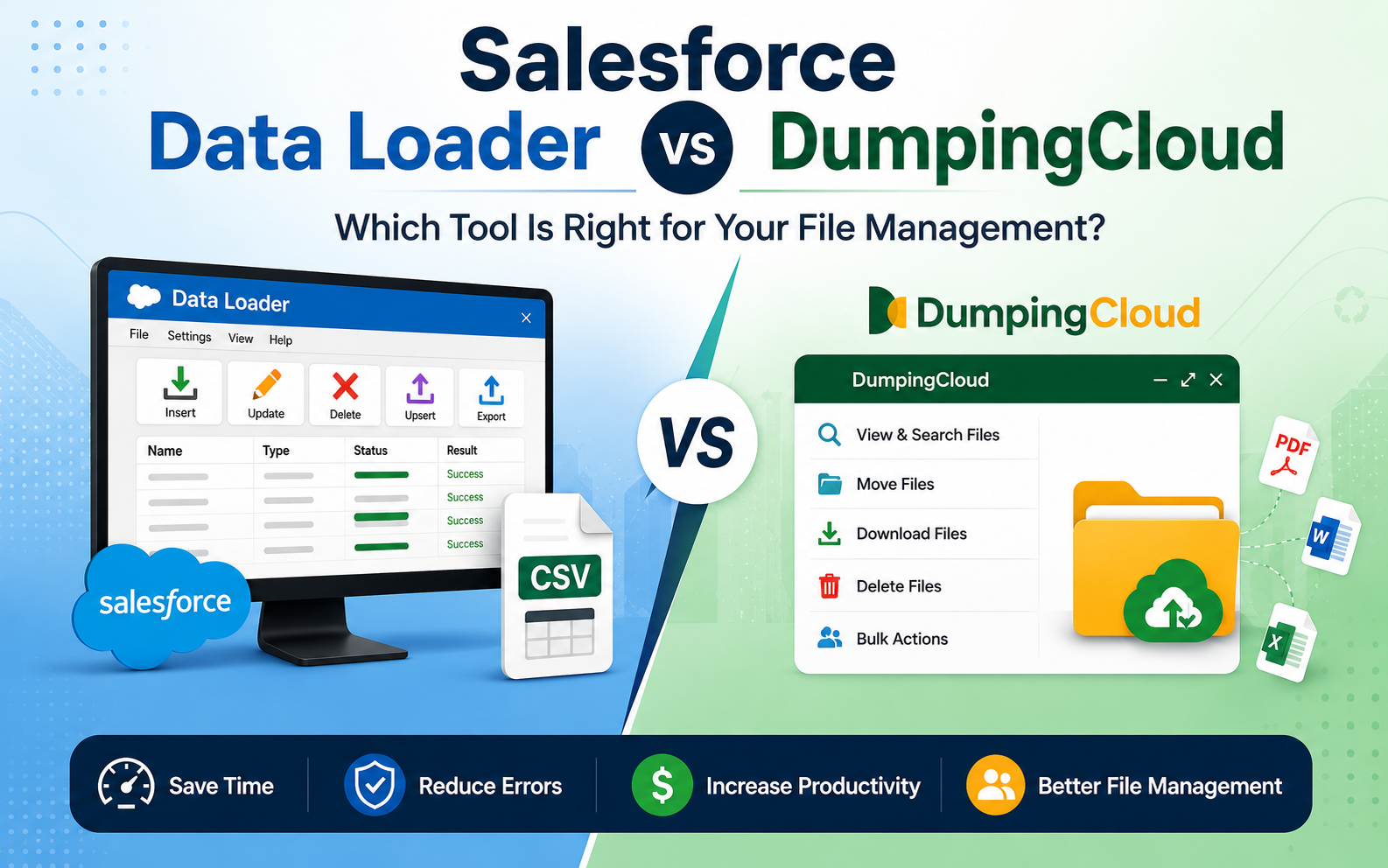
Salesforce Data Loader can work with Salesforce Files and Attachments, and Salesforce documents that workflow. The bigger point is that Data Loader was built for bulk data work in general. It uses a CSV-based process and can work across many Salesforce records, not just files. DumpingCloud, on the other hand, is a dedicated Salesforce file manager, purpose-built around one job: managing the Files and Attachments that already live inside your Salesforce org, through a direct, visual workflow instead of spreadsheets and object IDs. Neither tool replaces the other. They solve different primary problems, and for a lot of teams, the most practical setup is using both side by side, depending on the task at hand.
In this article we look at both the tools functioning, how both the tools Salesforce Data Loader and Dumping Cloud handle Files and Attachments, where they overlap, and where their workflows differ.
Quick Answer
Salesforce Data Loader and Dumping Cloud serve different purposes. Data Loader is primarily designed for importing, exporting, updating, and deleting Salesforce records, while Dumping Cloud is built specifically for managing Salesforce Files in bulk.
If you need to manage, download, delete, rename, split, merge, or organize Salesforce Files directly from your browser, Dumping Cloud is the more focused solution.
What Is the Salesforce Data Loader?
Salesforce Data Loader is a free Salesforce tool that helps you move piles of data in and out of your Salesforce org. Most people use Salesforce Data Loader to insert, update, delete or export thousands of records at once. It is a lifesaver when doing all that work by hand would take way much time.
Salesforce Data Loader works using CSV files. You just export the data you want, change things in your spreadsheet map the fields and then load the records back into Salesforce. You can also connect Salesforce Data Loader directly to a database to run jobs on a set schedule. This is why many people use Salesforce Data Loader for tasks that happen over and over again instead of just doing a one-time job.
Data Loader is designed for large volumes, which is why it is commonly used for record migrations, bulk field updates, and scheduled jobs. Files and Attachments are simply two of the many object types it’s capable of working with (this is often searched as Salesforce Data Loader for files, Salesforce Data Loader files, or Salesforce Data Loader attachments), alongside standard objects like Accounts, Contacts, and Opportunities, plus any custom objects your org uses.
What is DumpingCloud ?
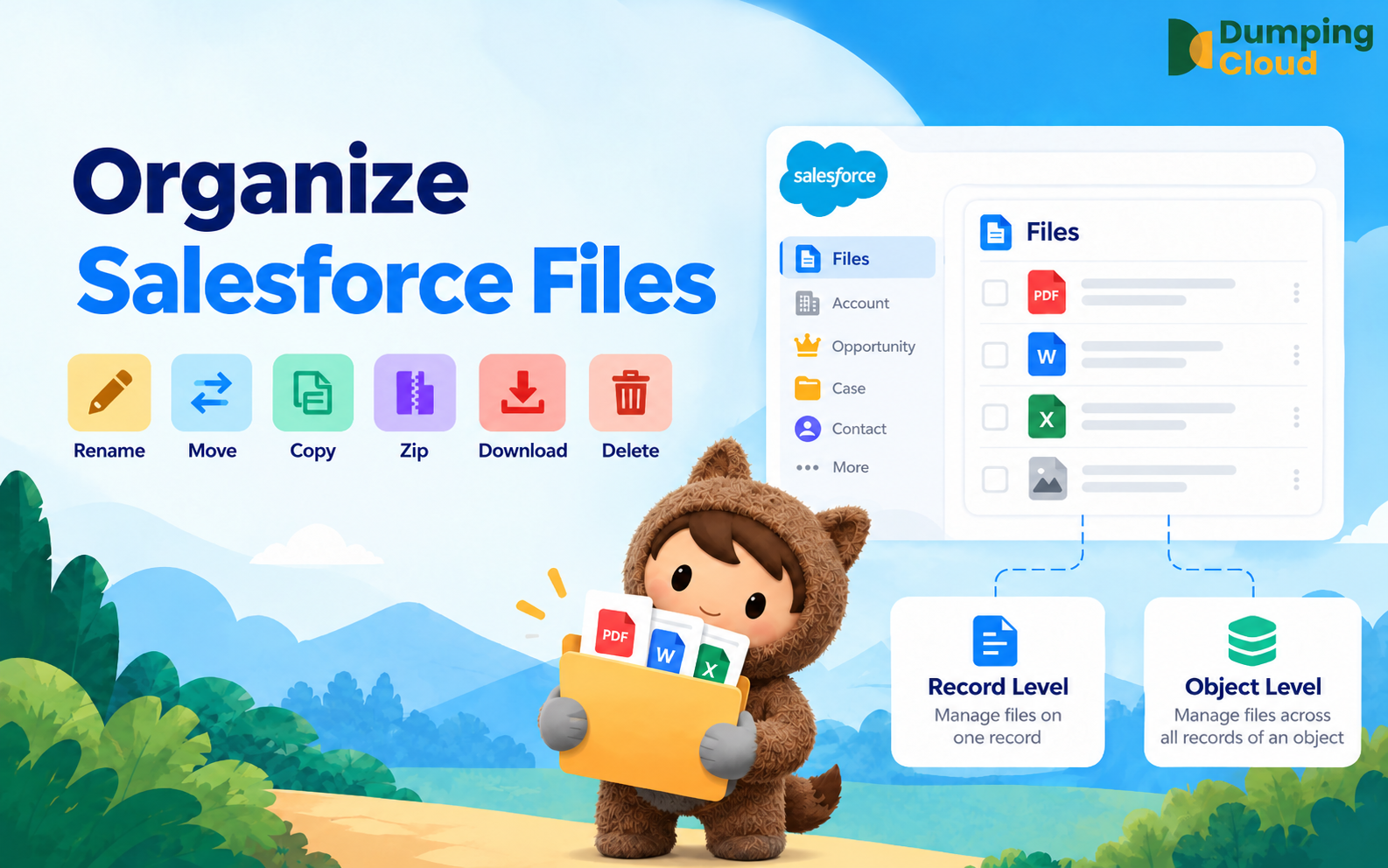
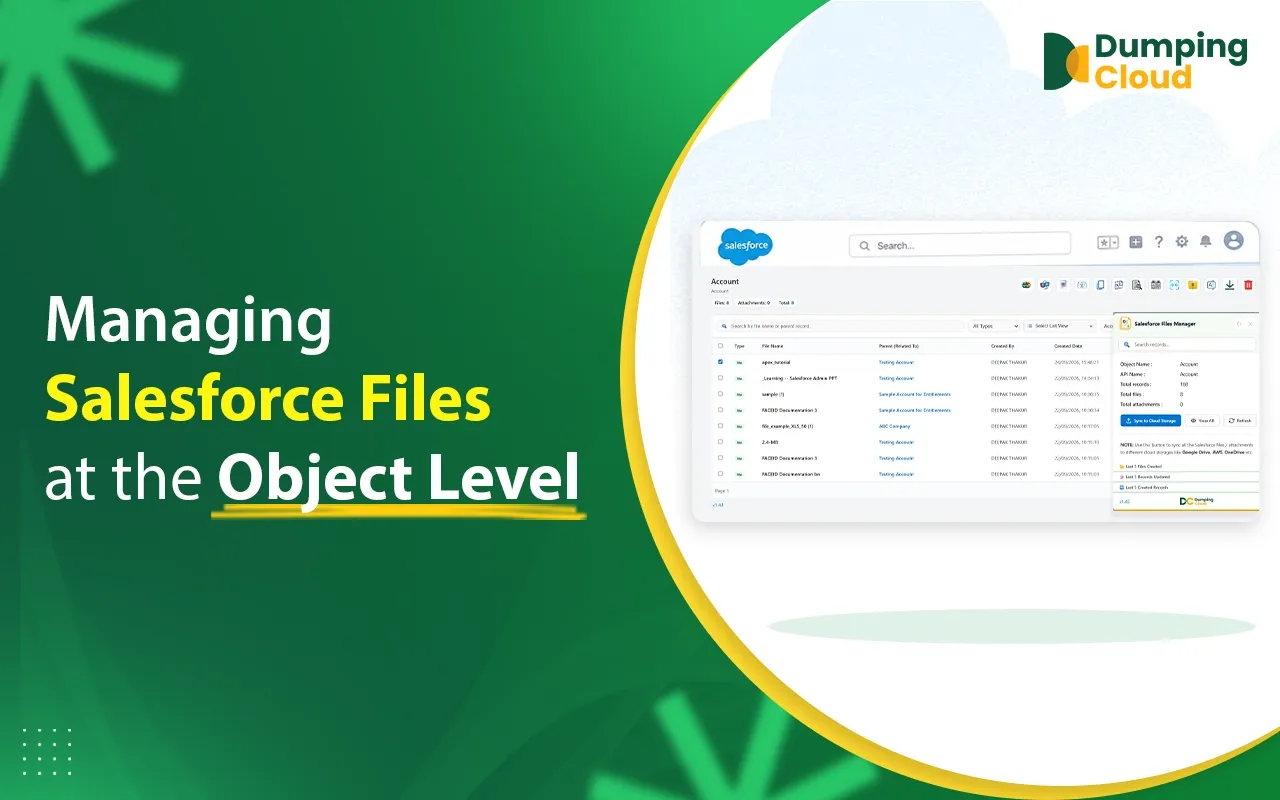
DumpingCloud is a browser extension built specifically to help teams manage the Files and Attachments already living in their Salesforce org. Instead of exporting data, mapping record IDs, and re-importing everything through CSVs, DumpingCloud gives you a direct interface to browse, organize, and move files across your Salesforce records.
Available on All Popular Browsers
You can use DumpingCloud with the browser you already use for Salesforce. It is available on:
Data Loader treats files as another Salesforce data object. DumpingCloud puts the files themselves at the center of the workflow. It’s built for the people whose actual, day-to-day job is keeping Salesforce Files and Attachments organized, not for admins running occasional record migrations who happen to touch a file object along the way — which is also why it’s often viewed as a Salesforce Data Loader alternative among Salesforce file management tools.
Salesforce Data Loader vs DumpingCloud: Key Differences
| Basis | Salesforce Data Loader | DumpingCloud |
|---|---|---|
| Purpose | Built for bulk Salesforce data operations across different objects. Files and Attachments are part of what it can handle. | Built specifically for managing Salesforce Files and Attachments. |
| Workflow | Requires CSV files, record IDs, field mapping, running jobs, and reviewing results. | A direct workflow to find, select, and manage files without CSVs or record-ID mapping. |
| Files | Supported through the ContentVersion and ContentDocumentLink objects. | Dedicated file-management workflow built around browsing and acting on files directly. |
| Attachments | Supported through the Attachment object using the same CSV pattern. | Dedicated workflow for finding, moving, and cleaning up Attachments. |
| Bulk Operations | Fully supports bulk insert, update, delete, and export jobs. | Supports bulk actions like moving, deleting, and downloading Salesforce files visually. |
| Technical Complexity | Requires familiarity with CSVs, IDs, and Salesforce object relationships. | Simpler and more direct, without needing to work with backend file objects. |
| Best Use Cases | Record migrations, bulk updates, scheduled data jobs, and moving data between Salesforce orgs. | Finding duplicates, moving files, bulk downloading, organizing, and cleaning up Salesforce Files and Attachments. |
Bulk Delete Salesforce Files: Data Loader vs DumpingCloud
Data Loader can mass-delete Salesforce Files. You generally export the ContentDocument or ContentVersion records you want to review, check the list, and then run a delete job against the relevant IDs.
A safety note worth repeating: because this is a bulk operation working directly off IDs in a CSV, it’s easy to accidentally delete more than you intended if the export or filter wasn’t precise enough. Always review your export list carefully before running a delete job, and consider testing the process in a sandbox environment first, especially if you’re not entirely confident in your filter criteria.
DumpingCloud approaches the same task differently, letting you browse and select files visually before you mass delete Salesforce files, which can reduce the risk of removing the wrong ones by mistake, since you’re looking at the actual files rather than a list of IDs in a spreadsheet. That said, Data Loader remains a fully capable option when bulk deletion is just one part of a larger, scripted data-cleanup job rather than a standalone task.
Managing Salesforce Files With Data Loader
Salesforce Files work by using a few pieces in the background. You have ContentVersion, which holds the file version and the info about the file. You have ContentDocument, which’s the actual file itself. Then you have ContentDocumentLink, which links the file to a Salesforce record like an Account or an Opportunity.
The way the process works is pretty straightforward. First you export ContentVersion records to find the file references you need. Next you make a CSV file with the info, like the ContentDocumentId and the record ID where you want the file to go. Finally you run a job into ContentDocumentLink to make sure ContentDocumentLink connects the file to the right record. If you’re uploading brand-new files rather than relinking existing ones, you insert directly into ContentVersion with the file data included. Salesforce’s own developer documentation walks through this exact workflow for bulk-uploading files and links using Data Loader.
Once you understand the object relationships, the process is repeatable and reliable. It is simply less convenient for a quick cleanup where you only need to find and remove a small group of files.
Managing Salesforce Attachments With Data Loader
Attachments work in a similar way but through their own dedicated object. You can export existing Attachments, insert new ones tied to specific parent records, or delete them in bulk, all through the same CSV-and-mapping pattern used elsewhere in Data Loader. Salesforce documents this Attachment workflow directly, following essentially the same structure as the Files workflow described above.
This makes Data Loader a solid option when Attachments are just one part of a larger data job you’re already running, for example, migrating an entire org’s worth of records, where Attachments happen to come along for the ride.
When Should You Use Salesforce Data Loader?
- Migrating records between Salesforce orgs
- Making bulk updates across thousands of records at once
- Running scheduled or automated data jobs on a recurring basis
- Any task where files or attachments are a small part of a much bigger data operation
When Should You Use DumpingCloud?
- Your main task is organizing, moving, or cleaning up Salesforce Files and Attachments — in other words, bulk Salesforce file management and bulk Salesforce attachment management as a standalone task, not a side effect of a bigger job
- You want a direct, visual way to manage Salesforce files in bulk without building CSVs or learning object IDs
- You need this kind of file work done regularly, as part of ongoing maintenance, rather than as a one-off script
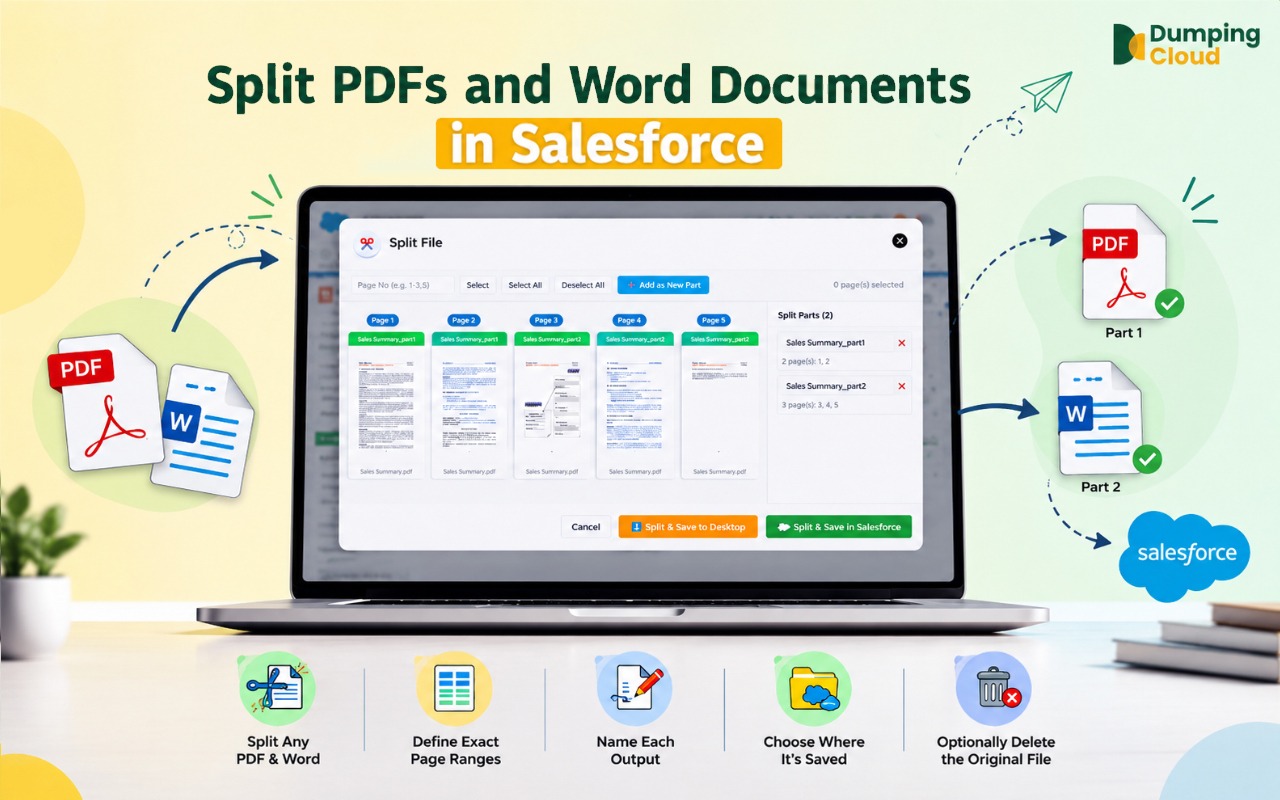
- You need everyday actions like downloading Salesforce files , moving files between records, or even merging Salesforce files into one document, all without scripting anything
Manage Salesforce Files Without CSVs
Need to move, download, organize, or clean up Salesforce Files? DumpingCloud gives you a direct visual workflow for managing files inside your Salesforce org.
👉 Try DumpingCloud — on your favorite browser
Can You Use Salesforce Data Loader and DumpingCloud Together?
Yes, and for a lot of teams, that’s actually the most practical setup. Use Data Loader for the heavy-lifting record migrations and scheduled bulk jobs it was originally built for. Use DumpingCloud for the ongoing, everyday work of keeping Salesforce Files and Attachments tidy and well-organized. Because the two tools solve different primary problems, there’s no real conflict in using both, many teams run them side by side without any issue.
Conclusion: Salesforce Data Loader vs DumpingCloud
There’s no single winner here, because the two tools aren’t really competing for the same job in the first place — really, it comes down to Data Loader vs file manager, and what the task in front of you actually needs. Choose Salesforce Data Loader when you need broad, technical data operations, record migrations, CSV-based imports and exports, or scheduled bulk jobs where files and attachments are just one piece of a much bigger picture.
Choose DumpingCloud when the job itself is file and attachment management, and you’d rather not build a CSV and map object IDs just to move, organize, or clean up files. If your team regularly does both kinds of work, using them side by side is a perfectly reasonable, and common, approach.
Sources & References
Information about Salesforce Data Loader is based on
Salesforce’s official Data Loader documentation
.
Ready to manage Salesforce Files faster?
Download, move, rename, merge, split, convert, compare, and manage your Salesforce Files — without leaving Salesforce.

Frequently Asked Questions
Is DumpingCloud a replacement for Salesforce Data Loader?
No, not for general record and data migration. DumpingCloud is built specifically for file and attachment management, while Data Loader handles broader Salesforce data operations across every object type.
Which is better for Salesforce file management?
It depends entirely on the task. Data Loader suits technical, script-driven file workflows tied to bigger data jobs. DumpingCloud suits day-to-day, hands-on file management where a direct, visual workflow is more valuable than a scripted process.
Can I use Data Loader and DumpingCloud together?
Yes, many teams use Data Loader for bulk data migrations and rely on DumpingCloud for the ongoing, everyday work of file organization and cleanup.
What is the difference between Salesforce Files and Attachments?
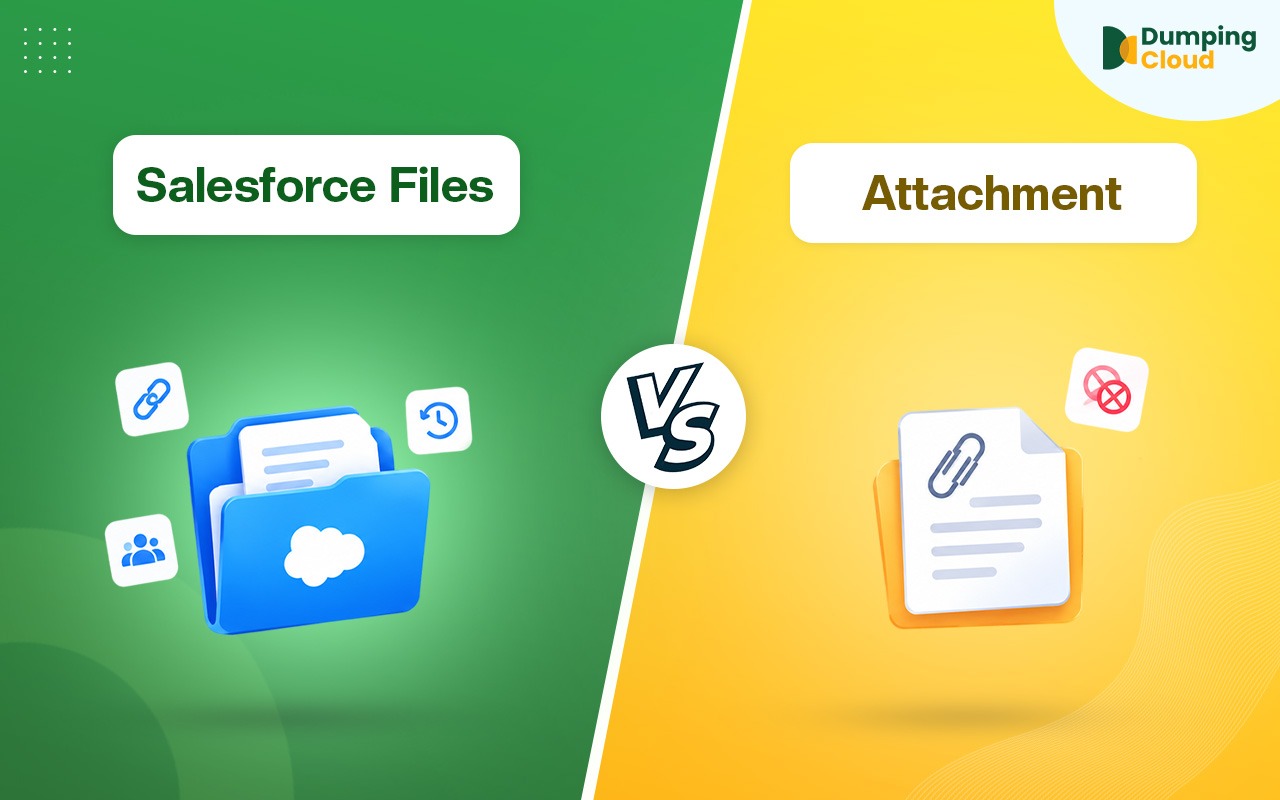
Salesforce Files, built on the ContentVersion, ContentDocument, and Content Document Link objects, are the modern, shareable file type that can be linked to multiple records at once. Attachments are the older, single-record file type that predates Salesforce Files. Both can still be managed today, and both are handled by Data Loader and DumpingCloud in the ways described throughout this article.